Minecraft,
without the wait.

IceCore is a small, fast launcher for Minecraft: Java Edition. One screen, one button, every version.

Download for Windows Free · v1.0.0 · 98 MB
IceCore
12:00
 
26.3 · Fabric · 4 GB
Play
username

That's the real interface. Drag the character.

Library

Mods without the mess.

Search Modrinth right inside the launcher and install mods, resource packs and shaders in one click. Required dependencies come along, packs and shaders switch on by themselves.

Change Minecraft version and your mods follow: updated when a build exists, set aside until one does.
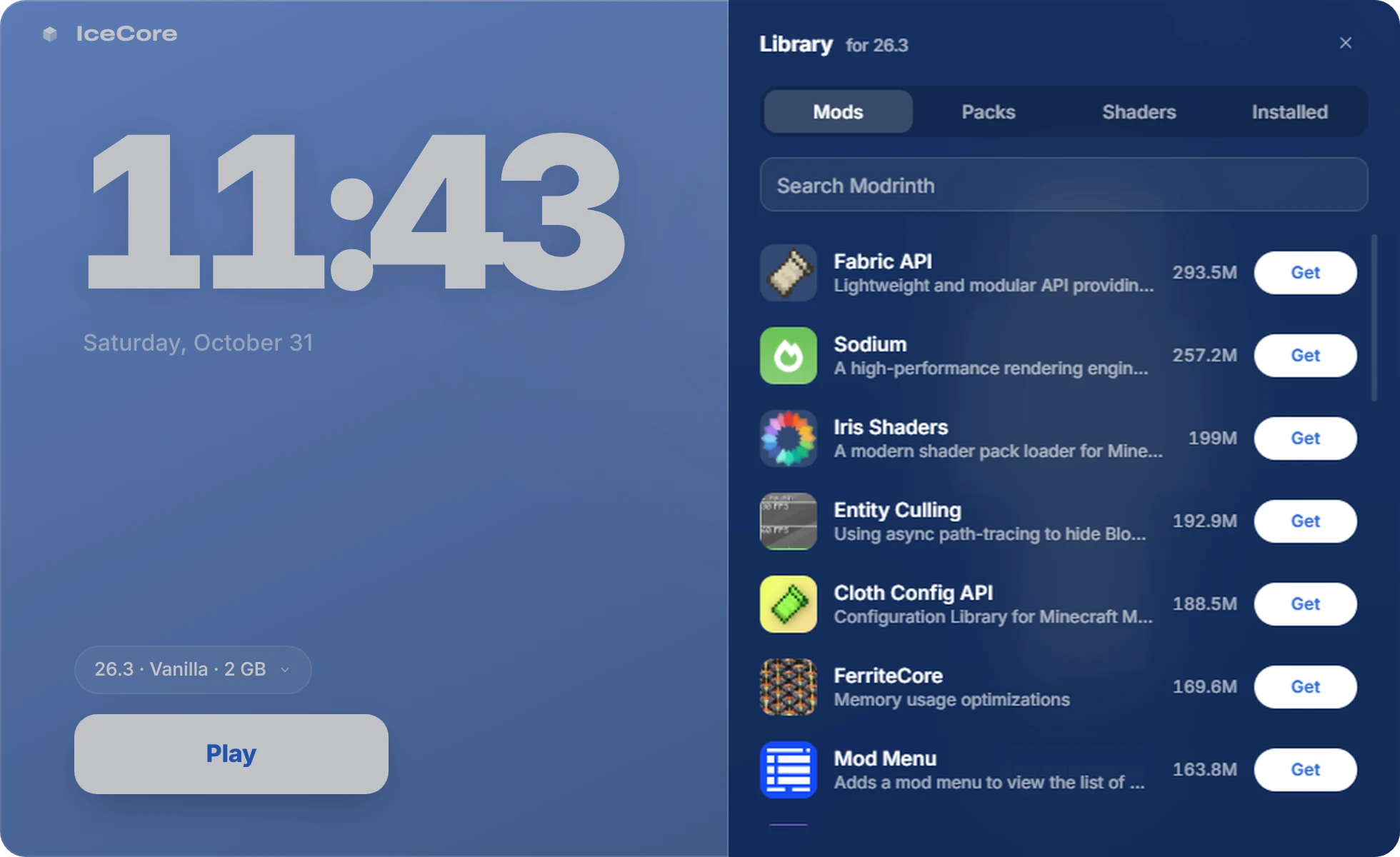
IceCore library panel listing mods from Modrinth
Skin

Your character, front and center.

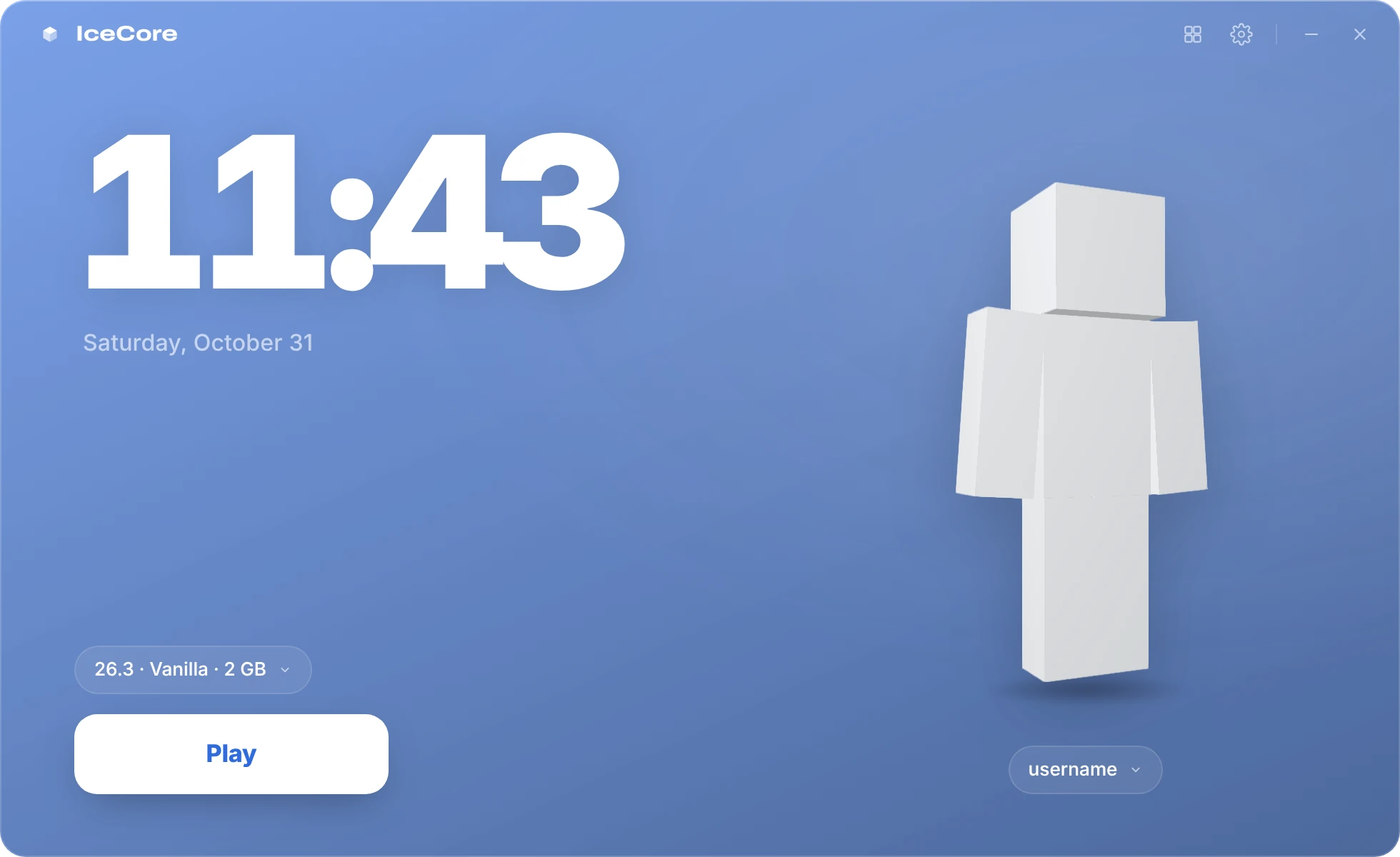
Your skin stands on the home screen in 3D. It breathes, and you can spin it around. Drop a new PNG on it to change it.

With a Microsoft account you see your real skin, and a new one is uploaded for you. Playing offline? IceCore shows your skin in-game with Fabric.

IceCore home screen with a custom 3D skin
Settings

Tuned out of the box.

IceCore downloads the right Java for each version and starts the game with garbage-collector settings tuned for Minecraft, for fewer stutters.

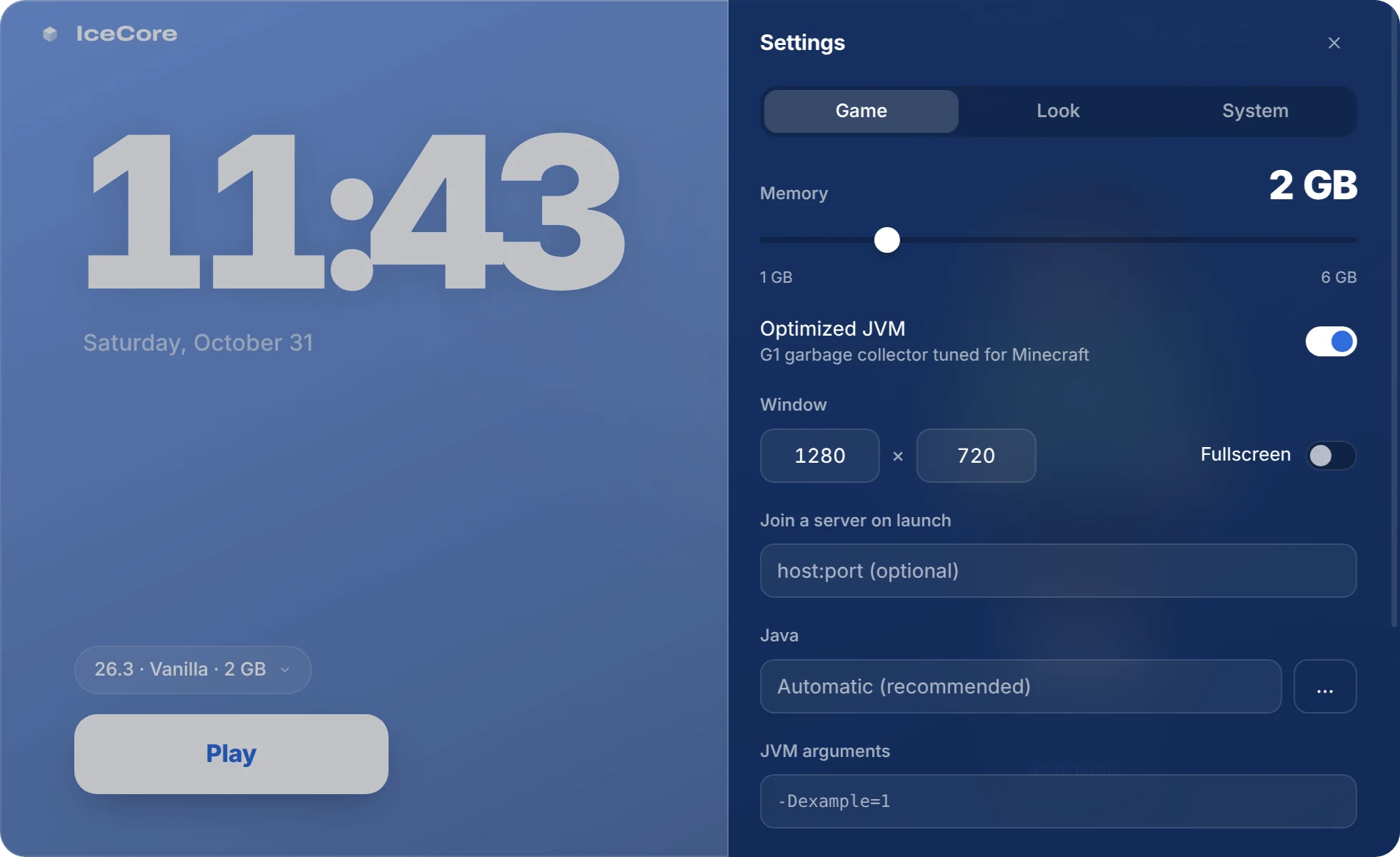
Want more? Memory, window size, a server to join on launch, a folder per version. One gear icon, nothing hidden.

IceCore settings panel with the memory slider

Under the hood

Versions
Every release, snapshot and classic beta
Java
Downloaded automatically: 8, 17 or 21
Fabric
One click, plus an optional performance pack: Sodium, Lithium, FerriteCore
Accounts
Microsoft sign-in, or offline with a username for LAN and offline servers
Mods
Modrinth mods, resource packs and shaders, with dependencies
Privacy
No account with us, no analytics, no ads
Look
Translucent glass, any tint you like, 12 or 24-hour clock
Leaving
Uninstall from the settings. Your worlds can be saved to the Desktop first

Get IceCore

Free. No installer, no account with us. Download, double-click, play.

Download IceCore 1.0.0
  • Windows 10 or 11, 64-bit
  • 98 MB
  • 4 GB of RAM or more recommended
SHA-256 checksum 4e41993864887c6b80a69ea81d81678b5c65c1f209db18046f68bb6517b7306c

Windows may show “Windows protected your PC” the first time: click More info, then Run anyway. Why?